Introduction to Antivirus Software
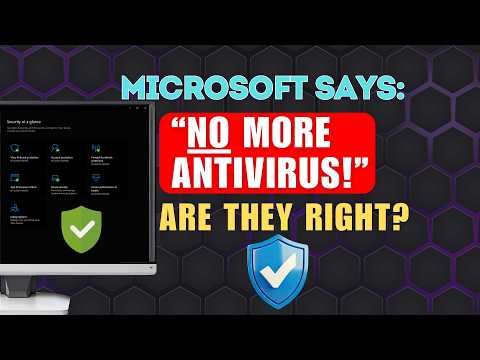
Antivirus software has been a staple of computer security for decades. It’s designed to protect your device from malicious software, also known as malware, which can harm your computer, steal your personal data, or take control of your system. Recently, Microsoft made a statement that has sparked debate among cybersecurity experts: you don’t need antivirus software. But is this really the case?
What Microsoft Said
Microsoft’s statement was likely based on the fact that Windows 10 has built-in security features, such as Windows Defender, which provides robust protection against malware. Windows Defender is a comprehensive security solution that includes antivirus, anti-ransomware, and firewall protection. It’s also constantly updated to keep up with the latest threats.
Built-in Security Features
Windows 10’s built-in security features are designed to provide a high level of protection without the need for additional antivirus software. Some of the key features include:
- Windows Defender: provides real-time protection against malware, viruses, and other online threats
- Firewall: controls incoming and outgoing network traffic to prevent unauthorized access
- Windows Update: ensures your operating system is always up-to-date with the latest security patches
- Secure Boot: prevents malware from loading during the boot process
Do You Still Need Antivirus Software?
While Windows 10’s built-in security features are robust, they may not be enough to provide complete protection. Here are a few scenarios where you may still need antivirus software:
- If you engage in high-risk activities, such as downloading files from unknown sources or visiting suspicious websites
- If you use older versions of Windows, which may not have the same level of built-in security
- If you need additional features, such as password management, online backup, or parental controls
- If you want to have an extra layer of protection, in case the built-in security features are compromised
Choosing the Right Antivirus Software
If you decide you need antivirus software, there are a few things to consider when choosing the right one:
- Look for software that is compatible with your operating system and devices
- Check the software’s detection rates and ability to remove malware
- Consider the software’s impact on system performance and resource usage
- Read reviews and check the software’s reputation online
Best Practices for Computer Security
Regardless of whether you use antivirus software or not, there are some best practices you can follow to keep your computer and data safe:
- Keep your operating system and software up-to-date with the latest security patches
- Use strong, unique passwords for all accounts
- Be cautious when downloading files or clicking on links from unknown sources
- Use a firewall and enable it for all networks
- Back up your data regularly, in case you need to recover it in the event of a security breach
Conclusion
While Microsoft’s statement may be true for some users, it’s not a blanket solution for everyone. Whether or not you need antivirus software depends on your specific situation and needs. By understanding the built-in security features of Windows 10 and following best practices for computer security, you can keep your device and data safe from malware and other online threats.